weirdr.net is a Fediverse instance that uses the ActivityPub protocol. In other words, users at this host can communicate with people that use software like Mastodon, Pleroma, Friendica, etc. all around the world.
This server runs the snac software and there is no automatic sign-up process.
Advanced Programming in the Unix Environment
Week 5: make(1)
Moving on from the compiler, we now look at how the make(1) utility can be used to help us selectively build our code project.
Advanced Programming in the Unix Environment
Week 5: Debugging your code
Next in our discussion of the Unix _development_ environment, we start a short series on the use of a debugger by example of gdb(1). First, we illustrate just why exactly we might want to use a separate tool instead of sprinkling "printf" statements all over our code...
Advanced Programming in the Unix Environment
Week 5: Using gdb(1)
Alright, let's look at gdb(1)! We begin by using it to troubleshoot our failing programs and immediately identify the location of our program where it segfaults. We also see how to inspect variables and call functions from within the debugger.
Advanced Programming in the Unix Environment
Week 5: Using gdb(1), part II
In this video lecture, we continue to explore the capabilities of the debugger. We show how you can set a breakpoint to pause the program and how to step through the program while watching our code.
Advanced Programming in the Unix Environment
Week 5: Using gdb(1), part III
In this video lecture, we'll use our newly learned debugging skills to analyze and fix yet another flawed program. In the process, we learn to debug code from multiple source files and find out how to change the value of variables while the program is running.
Advanced Programming in the Unix Environment
Week 5: Using gdb(1), part IV
In our last segment on gdb(1), we use the debugger to examine memory locations in a running program and illustrate how pointers and arrays work in the C programming language.
Advanced Programming in the Unix Environment
Tool Tip: ed(1) is the standard text editor
As part of our discussion of unix development tools, we take a short detour to provide a quick walkthrough of ed(1), the standard text editor. This is not done merely to up your geek creds, but understanding ed(1) will also helps us better understand other tools like vi(1), sed(1), and ultimately even things like diff(1) and patch(1) better.
Advanced Programming in the Unix Environment
Week 6: Memory Layout of a Process
Let's talk about the details of a process. We start with a visual representation of a process in memory and create a program that prints out the addresses of different elements of a program and observe the alignment of the text, data, and bss segments as well as the placement of the heap and stack. We also illustrate what a stack overflow looks like.
Advanced Programming in the Unix Environment
Week 6: Program Startup
In this video lecture, we learn how a program starts. "What, you write 'main()' and off you go!" you say? Not so fast! Let's look at the program entry point '_start' and see if we can change it, and in the process find out that the function prototype of 'main' may not be what you think it is. Use your debugger to better understand how the process begins and ends its life.
Advanced Programming in the Unix Environment
Week 6: Process Termination
After we talked about program startup in our previous video, we now look at how programs terminate. We observe the return status and how exit handlers are registered.
Advanced Programming in the Unix Environment
Week 6: Process Termination
Relevant to our discussion of process termination, using the debugger to understand program behavior, our little pop quiz "What does `int main() { printf("Hello World!\n"); }` return?" provides for a short detour into the realm of nasal daemons:
Advanced Programming in the Unix Environment
Week 6: The Environment
In this video lecture, we're going to take a look at the process environment. We'll use what we learned about the process layout in memory to understand how the environment variables are stored and, if necessary, moved around. We'll also get a quick look at what malloc(3) does.
Advanced Programming in the Unix Environment
Week 6: Process Limits and Identifiers
In the last few videos, we've looked at the details of the process layout in memory, and how a process starts and is terminated. In this video lecture, we we will spend a few short minutes on two additional aspects of every process: its resource limits and its process ID.
Advanced Programming in the Unix Environment
Week 6: Process Control
In this video lecture, we will look at process control: how new processes are started from an executable, and what happens when they terminate. In particular, we will look at the fork(2), exec(3), and wait(2) system calls. Be warned, though: there will be zombies, so limber up.
Advanced Programming in the Unix Environment
Week 7: The Login Process
We'll begin our discussion of process relationships, including process groups, sessions, and our first, asynchronous type of inter process communication in the form of signals. To get us started, we look at how processes created during the normal Unix boot process relate to one another.
(This does not include systemd. I said "the normal Unix boot process". init or gtfo)
Advanced Programming in the Unix Environment
Week 7: Job Control
In this video lecture, we illustrate the concept of job control in the shell, first introduced in the C shell, and allowing you to run multiple tasks from within the same terminal, switching back and forth between them by placing them into the background, suspending them, or bringing them to the foreground. It's one of my all-time favorite productivity hacks - Ctrl+Z FTW!
Advanced Programming in the Unix Environment
Week 7: Signals
In this video lecture, we look at Unix signals, simple, asynchronous event notifications. We run through a number of examples to illustrate how signals are delivered, can be ignored, caught, handled, or blocked.
Advanced Programming in the Unix Environment
Week 7: Reentrant and Interrupted Functions
With this video lecture, we will conclude our coverage of Unix signals, by looking at what happens when we call unsafe functions from within the signal handler as well as what happens when we are interrupted while blocking on certain I/O.
Advanced Programming in the Unix Environment
Week 8: Interprocess Communications Intro
This week, we begin our discussion of Interprocess Communication. We start by providing a quick overview of the different properties of IPC mechanisms as well as which mechanisms we will cover.
Advanced Programming in the Unix Environment
Week 8: System V IPC
In this video lecture, we cover traditional, primarily asynchronous System V Inter Process Communication: semaphores, shared memory, and message queues. We then also take a brief look at the POSIX message queues implementation.
Advanced Programming in the Unix Environment
Week 8: Pipes and FIFOs
With this video lecture, we continue our discussion of Interprocess Communication and dive into two of the oldest and most ubiquitous forms of Unix IPC: pipes and FIFOs. We also discuss popen(3) and the dangers of shelling out to unverified commands.
boostedAdvanced Programming in the Unix Environment
Did you know that #NetBSD comes with a number of historical Unix research papers and supplementary documentation? Here, we find papers by Marshall Kirk McKusick on the Fast File System, by Robert Morris and Ken Thompson on Password Security, a shell tutorial by Stephen R. Bourne, a guide to using vi(1) by Bill Joy, and the well known BSD IPC Tutorials! Take a tour through /usr/share/doc...
boostedI fell down a rabbit hole into a virtual memory layout landscape, trying to better understand how thread stacks are placed under Address Space Layout Randomization. Turns out, there's quite a bit of variability across different Unix flavors.
Latest 𝗩𝗮𝗹𝘂𝗮𝗯𝗹𝗲 𝗡𝗲𝘄𝘀 - 𝟮𝟬𝟮𝟱/𝟭𝟬/𝟮𝟳 (Valuable News - 2025/10/27) available.
https://vermaden.wordpress.com/2025/10/27/valuable-news-2025-10-27/
Past releases: https://vermaden.wordpress.com/news/
#verblog #vernews #news #bsd #freebsd #openbsd #netbsd #linux #unix #zfs #opnsense #ghostbsd #solaris #vermadenday
Latest 𝗩𝗮𝗹𝘂𝗮𝗯𝗹𝗲 𝗡𝗲𝘄𝘀 - 𝟮𝟬𝟮𝟱/𝟭𝟬/𝟮𝟬 (Valuable News - 2025/10/20) available.
https://vermaden.wordpress.com/2025/10/20/valuable-news-2025-10-20/
Past releases: https://vermaden.wordpress.com/news/
#verblog #vernews #news #bsd #freebsd #openbsd #netbsd #linux #unix #zfs #opnsense #ghostbsd #solaris #vermadenday
Latest 𝗩𝗮𝗹𝘂𝗮𝗯𝗹𝗲 𝗡𝗲𝘄𝘀 - 𝟮𝟬𝟮𝟱/𝟭𝟬/𝟬𝟲 (Valuable News - 2025/10/06) available.
https://vermaden.wordpress.com/2025/10/06/valuable-news-2025-10-06/
Past releases: https://vermaden.wordpress.com/news/
#verblog #vernews #news #bsd #freebsd #openbsd #netbsd #linux #unix #zfs #opnsense #ghostbsd #solaris #vermadenday
boostedAdvanced Programming the UNIX Environment
Some additional hints to set up your NetBSD environment for this class:
https://stevens.netmeister.org/631/vm-setup.html
With all sources extracted, familiarize yourself with ctags(1) et al to make browsing code a breeze:
Advanced Programming the UNIX Environment
Week 2: File Descriptors
To introduce the concept of file descriptors, let's start with a simple question: how many file descriptors can a unix process open? In the process we encounter different limits that may apply across the system, for a given user, or just a process.
Advanced Programming in the UNIX Environment
Week 2: open(2) and close(2)
Having introduced the concept of file descriptors, let's look at what happens when we try to create a file, "create" an existing file, open an existing file, truncate a file, and look at the various other flags we can pass to open(2).
We also note the perhaps surprising number of ways in which open(2) can fail and take a look at openat(2) and TOCTOU defenses.
Advanced Programming in the UNIX Environment
Week 2: read(2)/write(2)/lseek(2)
In this video lecture, we will go into the details of the read(2), write(2), and lseek(2). We'll also do a few weird things with file descriptors, and take a look at how we can ensure I/O efficiency when making these system calls.
boostedAdvanced Programming in the UNIX Environment
Week 2: File Sharing
In this final video lecture segment for our week 2 materials, we take a look at what it means when multiple processes access the same files and what the implications of that are on the syscalls we know. We conclude with a look at /dev/fd on different operating systems, including #NetBSD, #macOS, and #Linux
Latest 𝗩𝗮𝗹𝘂𝗮𝗯𝗹𝗲 𝗡𝗲𝘄𝘀 - 𝟮𝟬𝟮𝟱/𝟬𝟵/𝟭𝟱 (Valuable News - 2025/09/15) available.
https://vermaden.wordpress.com/2025/09/15/valuable-news-2025-09-15/
Past releases: https://vermaden.wordpress.com/news/
#verblog #vernews #news #bsd #freebsd #openbsd #netbsd #linux #unix #zfs #opnsense #ghostbsd #solaris #vermadenday
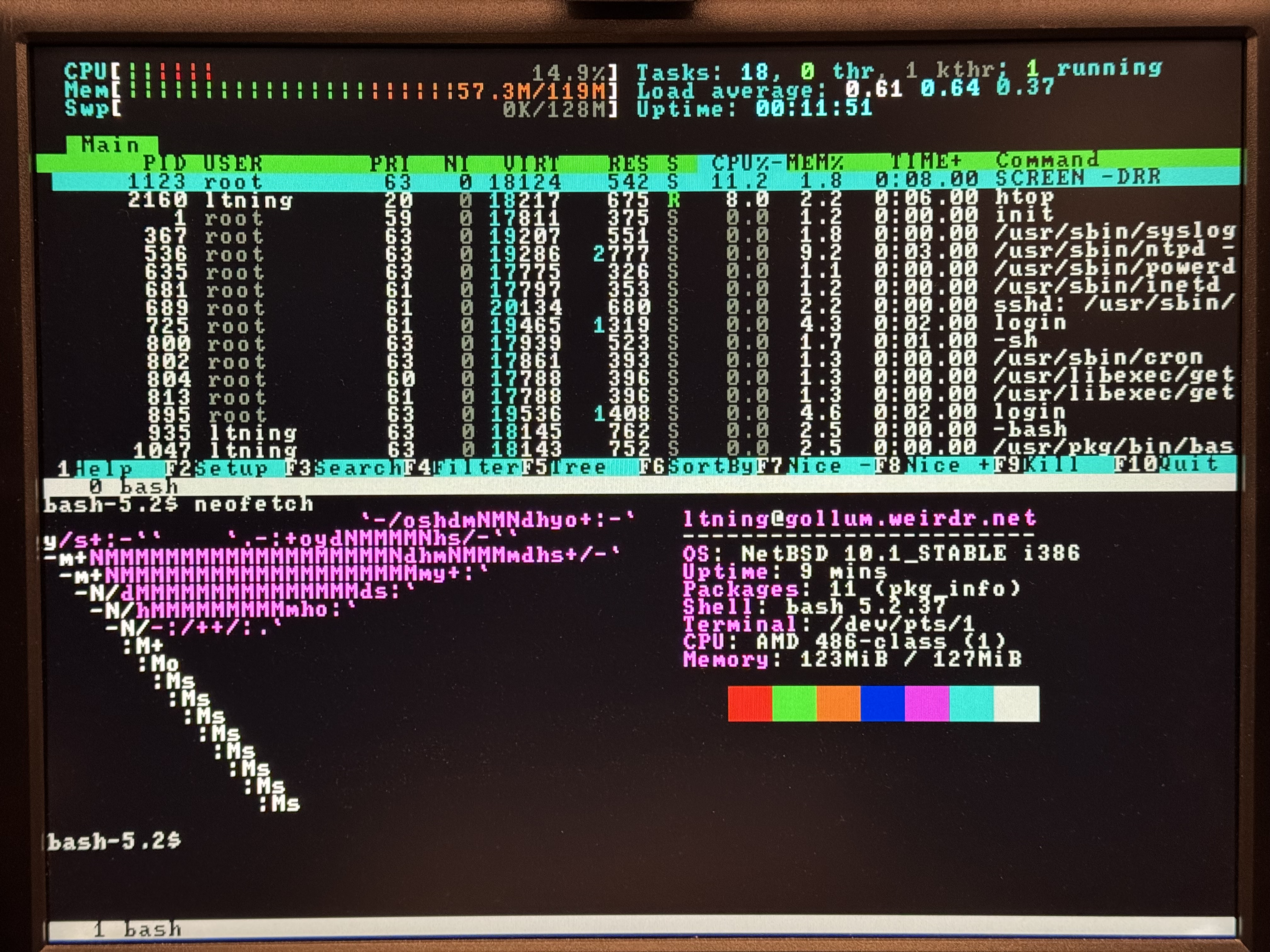
All of those things are absolutely wonderful and make many of todays software developers look ... spoiled? What I want, however - and what I love doing - is making this old hardware do stuff its makers never dreamt of, things that are as far removed from their time as possible. That's why I will, if #NetBSD permits, run bleeding edge BSD on a 286-on-486steroids, and why I run web+ftp+irc servers (yes, multitaskign) on one 286 and multiple BBS nodes on a 386 - like one used to do, of course.
I cannot state often enough how amazing it is that there's still software developed today that will work under such constraints.